Create a new page
n
- n
- On the top left side of the WordPress dashboard, click Pages > Add New
- Click Edit with Elementor to enter Elementor Page Builder.
n
n
n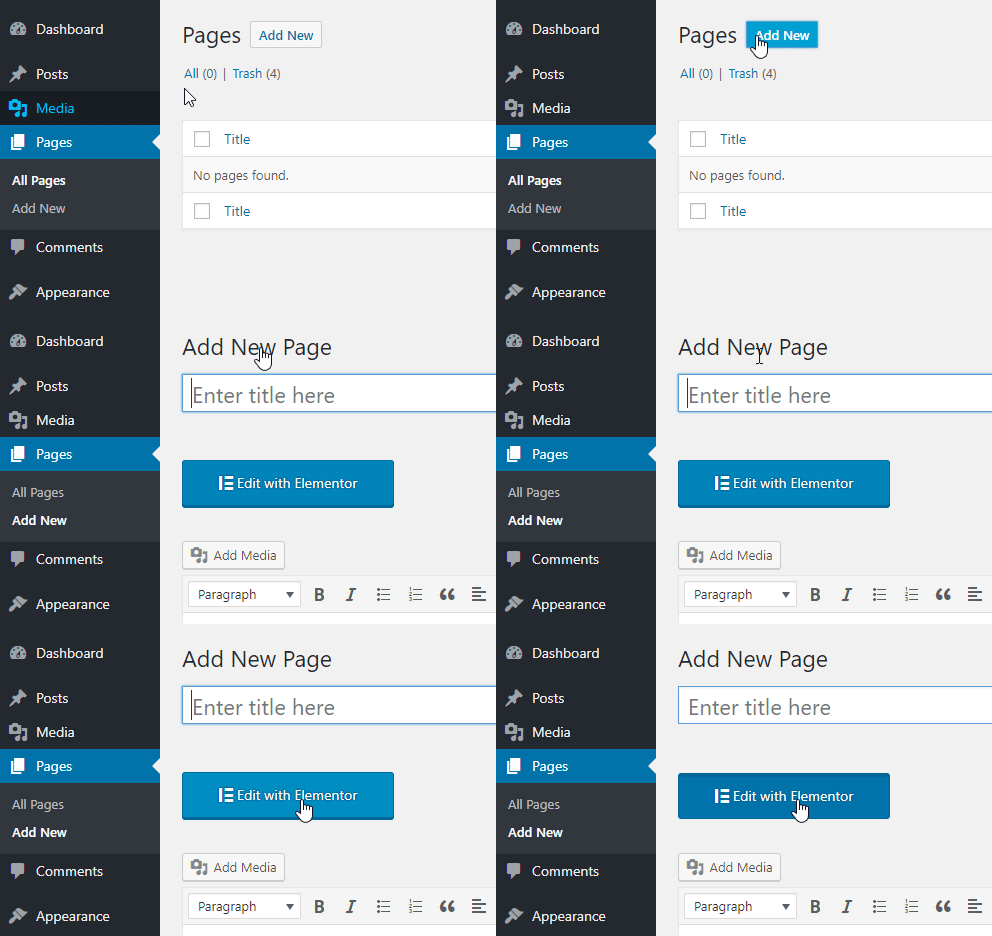 nn
nn
nnThe website editing screen is located on the right side. This is your workspace, where you can add sections and templates.nnThe panel is located on the left side of the screen and contains creative tools called widgets, that allow you to add elements to your page.nnSome of the most commonly used widgets include Button, Image, text, and more.nnTo find a specific widget, use the search field.nn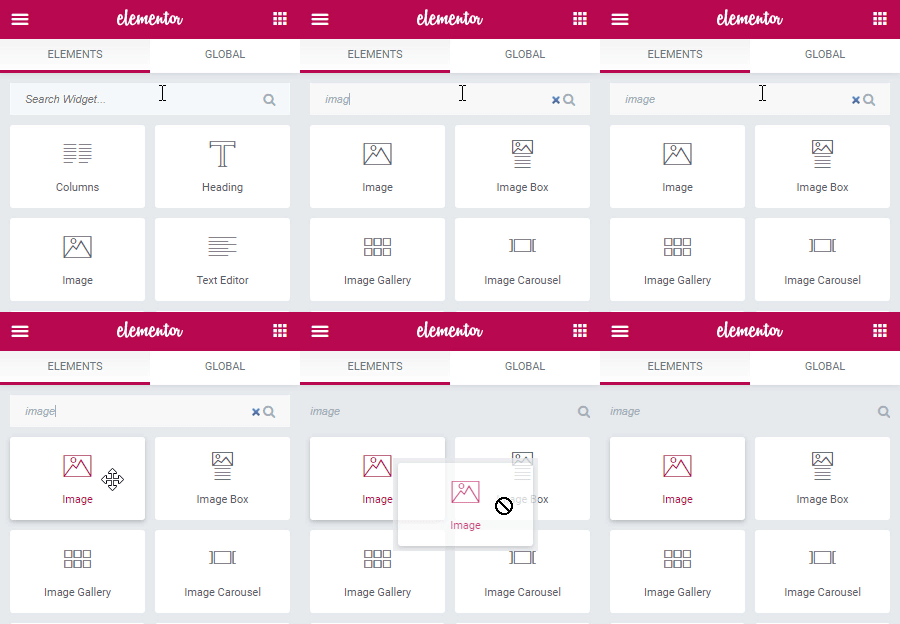
Leave a Reply